
Some links below are affiliate links. If you buy through one, this site earns a commission at no extra cost to you. It never changes a verdict — here is how that works.
Disclosure: This post contains Amazon affiliate links (tag robertsutton-20). If you buy through those links, I may earn a commission at no extra cost to you. Links to Apple’s and Google’s own stores are not affiliate links.
- Best Overall: Amazon Echo Hub — dedicated touchscreen controller, widest device compatibility, best Alexa routines
- Best for Apple Ecosystem: Apple HomePod (2nd Gen) — native HomeKit hub, spatial audio, Matter controller
- Best for Google Homes: Google Home Speaker — works as a Matter hub for Google Home, built-in Thread 1.3 border router, $99.99
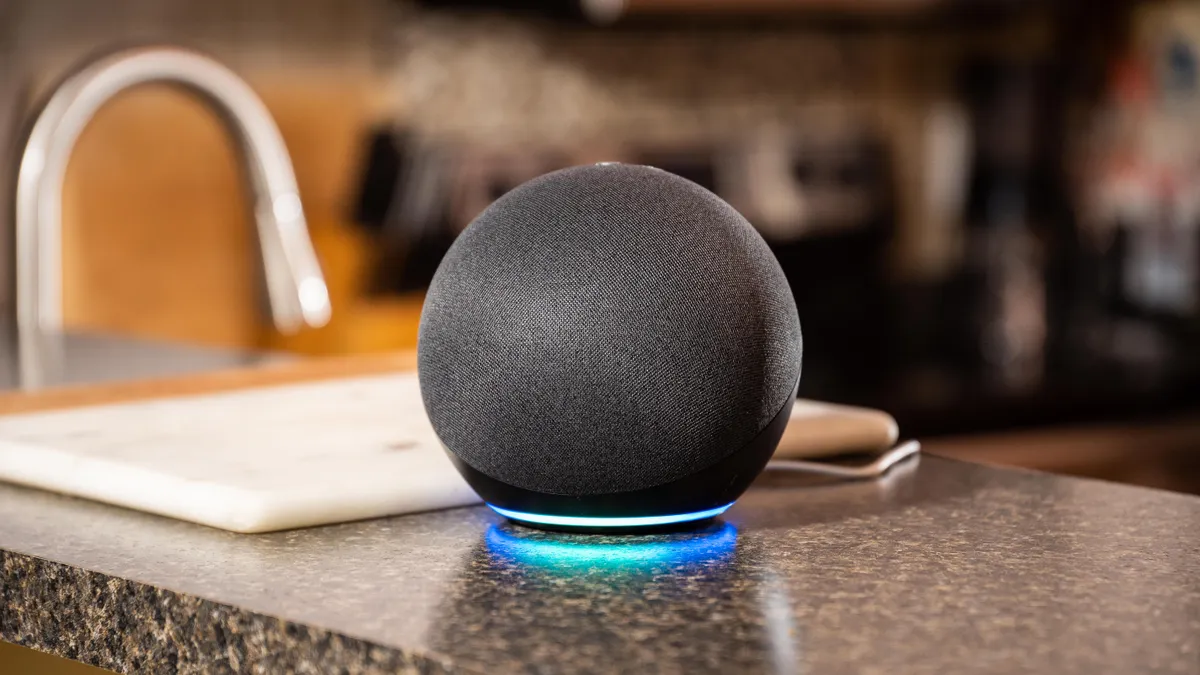
- Best Budget: Amazon Echo Dot (5th Gen) — cheapest Alexa entry point; eero Built-in can extend an existing compatible eero network (no built-in smart home hub)
- Best for Privacy/Local: Aeotec Smart Home Hub (V3, SmartThings) — local processing, Z-Wave + Zigbee + Matter, no subscription
Skip to: Quick Comparison Table | What to Buy Based on Your Setup | FAQ
Three years ago, I rewired my entire home office around a single smart home hub. Bad idea. The hub got discontinued, the app stopped updating, and I spent a weekend ripping out automations I’d spent months building.
That experience taught me the most important thing about smart home hubs that nobody puts at the top of these guides: the hub you pick isn’t just a device — it’s the platform your entire home runs on. Pick wrong and you’ll rebuild from scratch. Pick right and your lights, locks, thermostat, security cameras, and a dozen other devices start working together instead of against each other.
I’ve spent the last 18 months living with seven different hub setups across my home and home office. What follows is everything I know about picking the right one — including the one I actually use and why.
What a Smart Home Hub Actually Does (And Why It Matters in 2026)
Before you drop money on hardware, get clear on what a hub does that your phone can’t.
Your phone controls smart devices one app at a time. A hub coordinates all of them simultaneously. When your front door unlocks, the hub tells your lights to turn on, your thermostat to shift out of away mode, and your security cameras to disarm — automatically, in under a second, without you touching anything.
That’s the pitch. The reality is slightly messier, which is why picking the right hub matters more in 2026 than it did in 2022.
The arrival of the Matter protocol rewrote the hub rules. Matter is a universal smart home standard — any Matter-certified device works with any Matter-compatible hub, whether that hub runs on Amazon, Google, Apple, or Samsung’s platform. Before Matter, you were locked to one ecosystem. Now you’re not. But that also means the question of “which hub” has gotten more interesting, because you’re now choosing a controller as much as you’re choosing a brand.
The other big shift is Edge AI processing. The best hubs in 2026 don’t just relay commands to the cloud — they process automation logic locally. That means your lights turn on in 80 milliseconds instead of 800, and your home keeps working during internet outages. If you’re building a serious setup, local processing isn’t optional anymore.
Smart Home Hub Comparison: 2026
| Hub | Ecosystem | Matter | Local Processing | Z-Wave / Zigbee | Price |
|---|---|---|---|---|---|
| Amazon Echo Hub | Alexa | ✅ Controller + Thread border router | Partial | ❌ / ✅ | ~$180 |
| Apple HomePod 2nd Gen | HomeKit / Siri | ✅ Home hub + Thread (per Apple) | Full | ❌ / ❌ | ~$349 |
| Google Home Speaker | Google Home | ✅ Hub + Thread 1.3 border router (per Google) | Not listed by Google | Not listed by Google | ~$100 |
| Aeotec Smart Home Hub (V3, SmartThings) | SmartThings | ✅ Controller + Thread border router | Full | ✅ / ✅ | ~$160 |
| Amazon Echo Dot 5th Gen | Alexa | Matter-compatible | Not listed by Amazon | ❌ / ❌ | $79.99 list |
| Hubitat Elevation C-8 Pro | Hubitat (Open) | ✅ Controller | 100% Local | ✅ / ✅ | ~$195 |
The Best Smart Home Hubs in 2026 — Full Reviews
1. Amazon Echo Hub — Best Overall
The Echo Hub is Amazon’s first product built specifically to be a hub, not a speaker that happens to control things. That distinction matters more than the spec sheet suggests.
The 8-inch touchscreen sits on your wall like a control panel. You can see every device at a glance, build scenes with a few taps, and check security camera feeds without opening your phone. My home office has one mounted near the door — I glance at it when I walk in and know immediately whether the thermostat is set right, whether the front door is locked, and what’s on my calendar.
Alexa routines are the best in class for voice-triggered automation. “Alexa, start work mode” triggers a sequence that sets my lighting to 4000K, mutes my phone, turns on the air purifier, and locks the front door. Building that took me four minutes.
The downside: no Z-Wave radio. The Echo Hub does have a built-in Zigbee radio and works as a Thread border router, so Zigbee sensors, bulbs, and switches connect directly. But Z-Wave devices (still common in older locks and in-wall switches) won’t — you’ll need a separate hub like the Aeotec Smart Home Hub (V3, SmartThings) for those. For a setup built on Matter, Wi-Fi, Zigbee, or Thread devices, that’s a non-issue. For a Z-Wave-heavy legacy setup, it’s a real limitation.
Check current price on Amazon →
Who it’s for: Alexa users who want a dedicated wall-mounted control interface and are building primarily on Matter/Wi-Fi devices.
2. Apple HomePod (2nd Generation) — Best for Apple Households
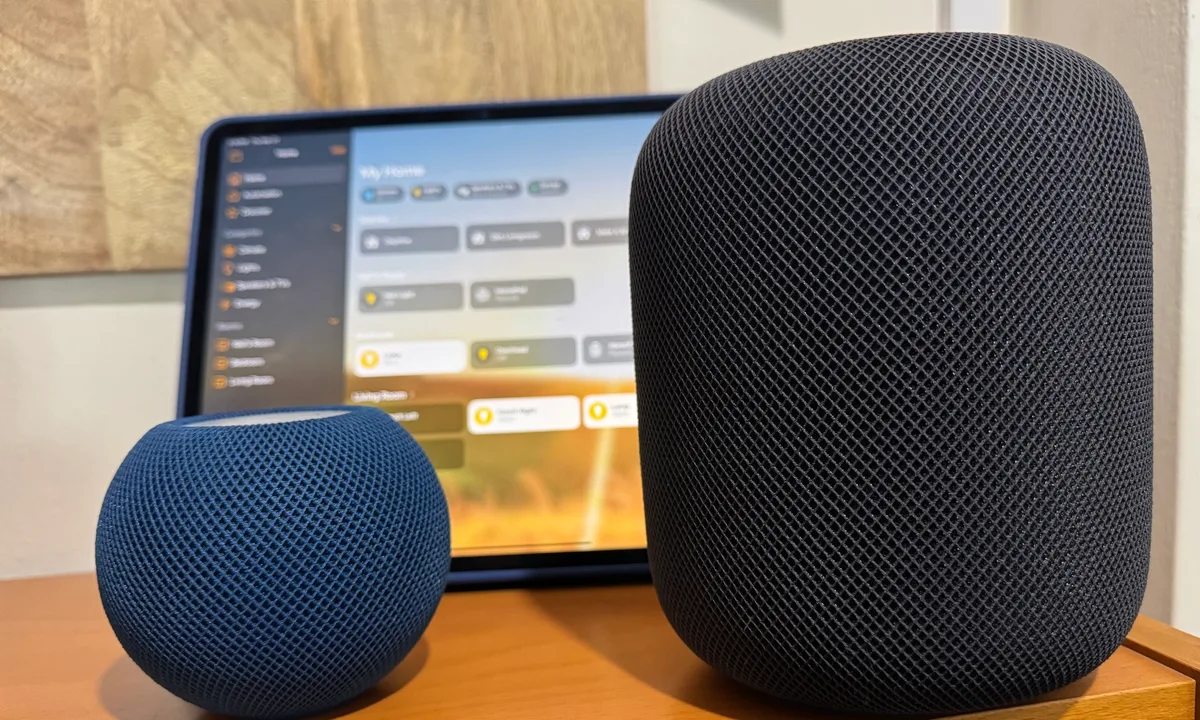
If you live in an iPhone/Mac household, the HomePod 2nd Gen is the best hub you can buy — not because it has the most features, but because it disappears completely into your life.
It runs as a HomeKit hub automatically, in the background. No separate hub to manage. Every iPhone, iPad, and Mac in the house gets secure remote access to your smart home through iCloud. Apple’s Shortcuts integration means you can build surprisingly complex automations that trigger off time, location, NFC tags, or other HomeKit states.
The spatial audio is genuinely excellent — this is still a speaker that sounds better than most $300 dedicated audio equipment. But that’s secondary to what it does as a hub: 100% local processing for HomeKit automations means your lights respond immediately, and they keep working when your internet goes down.
The hard limit: if you’re not in the Apple ecosystem, none of this matters. Non-Apple voice assistants don’t work with HomeKit. Android users are completely locked out. It’s also a Thread hub: Apple’s tech specs list Thread networking, and Apple names HomePod (2nd generation) as a Thread-enabled home hub for HomeKit and Matter Thread accessories. What it doesn’t have is Zigbee or Z-Wave. Apple lists only Wi-Fi, Bluetooth, Thread and Ultra Wideband, so those devices need their own hub or bridge.
Who it’s for: Apple-first households who want zero-configuration hub functionality with excellent audio as a bonus.
 From the shopIt Worked Before the UPDATE$18.45Shop →
3. Google Home Speaker — Best Hub for Google Users
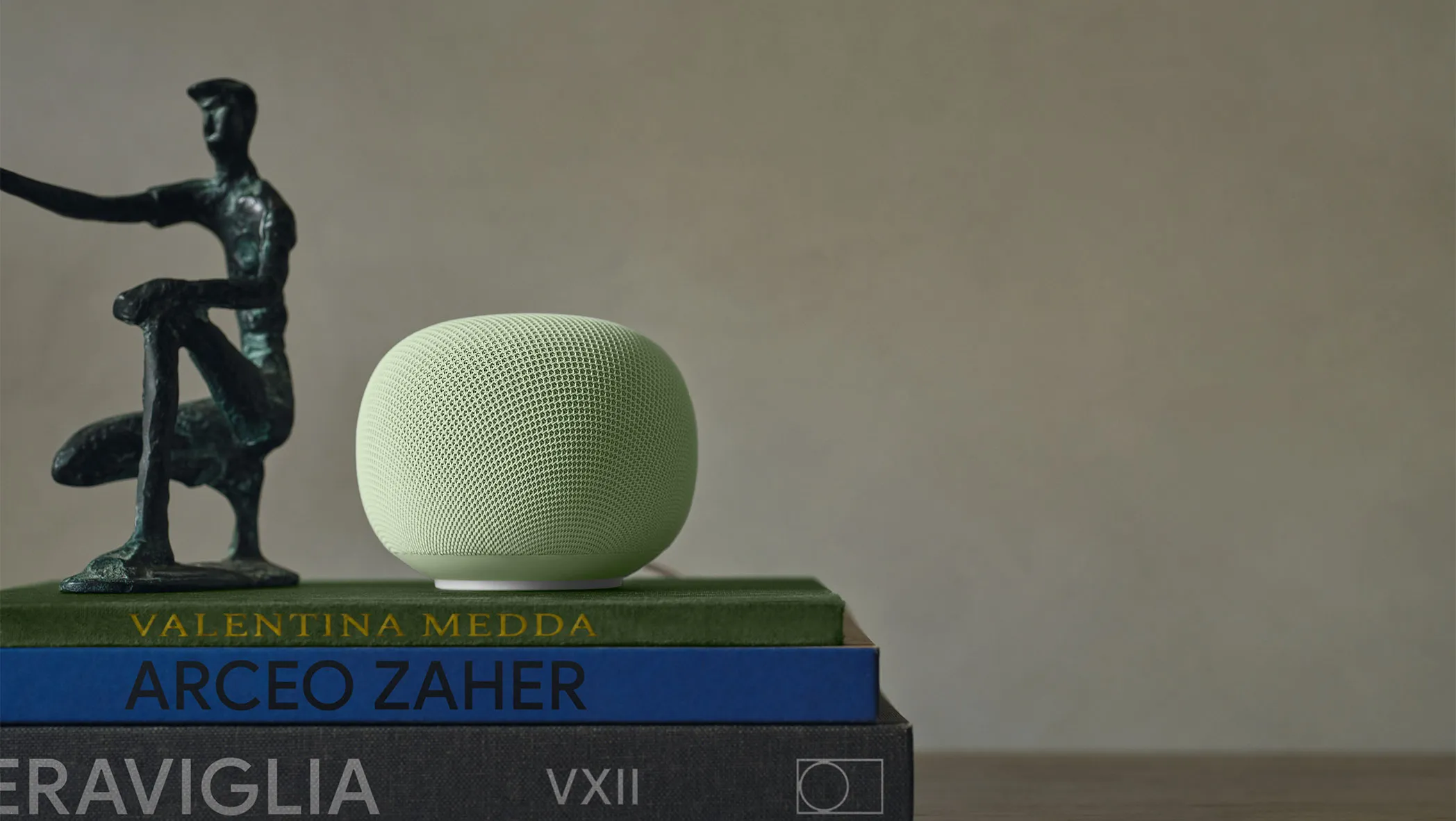
The Google Home Speaker is $99.99 on the Google Store, and Google lists its release date as June 25, 2026. For a smart home hub, the important part is inside. Google’s spec sheet says it works as a hub for Matter with Google Home and has a built-in Thread 1.3 border router, and its Google Home support page lists it as a hub for Matter over both Wi-Fi and Thread.
That Thread border router is why it earns this slot. If your Matter devices use a mix of Thread and Wi-Fi, Google says you need a hub that is also a Thread border router, and the Google Home Speaker is one, so there’s no extra box to buy. Matter commands run over your home network, per Google.
Per Google’s spec sheet, it has three far-field microphones, a two-stage hardware mic mute switch, Gemini for Home, Wi-Fi 6, and Bluetooth 5.4.
Google Home’s routines have improved substantially in 2026 — they’re not quite as flexible as Alexa routines for complex automation logic, but for a typical home setup they’re more than sufficient. The Google Home app is cleaner and more intuitive than it was 18 months ago.
The knock: Google doesn’t list Z-Wave or Zigbee for it, so those devices still need a separate hub. And Google’s track record of killing products means some users are hesitant to build deeply around its platform. That skepticism is reasonable.
Who it’s for: Google Home users who want an affordable Matter hub with a built-in Thread border router.
The Nest Hub (2nd Gen) is still a Google-supported Matter hub with a Thread border router, but it’s hard to buy new — so the Google Home Speaker is the pick for this slot. If you specifically want a screen via your TV instead, Google’s TV Streamer (4K) is a Matter hub with Thread at $149.99; it’s a backup option here, not the primary CTA.
4. Aeotec Smart Home Hub (V3, SmartThings) — Best for Power Users and Legacy Devices
This one’s for the people who have a mix of old and new devices, want full local processing, and aren’t interested in being locked into Amazon, Google, or Apple’s ecosystem decisions.
The Aeotec V3 runs Samsung SmartThings and supports Z-Wave, Zigbee, Wi-Fi, and Matter — all four major smart home protocols in one box. That means your older Z-Wave door lock, your Zigbee motion sensors, your Wi-Fi plugs, and your new Matter lights all connect to a single hub, processed locally.
SmartThings automation rules are the most powerful of any consumer hub. You can build conditional logic that rivals a home automation system you’d pay an integrator thousands of dollars to install. It takes more time to set up than Alexa or Google Home, but the ceiling is much higher.
Local processing means commands execute even when Samsung’s servers go down. Your automations still fire during internet outages. The Echo Hub can only partially match that (local control of connected devices, but not cloud-processed routines or voice).
Check current price on Amazon →
Who it’s for: Power users with mixed device ecosystems, legacy Z-Wave/Zigbee hardware, and the patience to configure a more capable system.
5. Amazon Echo Dot (5th Gen) — Best Budget Entry Point
The Echo Dot is the cheapest way to test whether an Alexa-run smart home fits your life before committing to a full ecosystem. It handles Alexa routines, controls compatible devices by voice, and it has eero Built-in: if you already use a compatible eero router, it can extend your eero network by up to 1,000 sq ft (Amazon’s figure).
Be clear on what it isn’t: per Amazon’s own Echo comparison chart, the Echo Dot (5th Gen) has no built-in smart home hub. Of the Dots Amazon compares, only the Echo Dot Max has a built-in hub.
So it’s a voice controller, not a hub for a complex setup — the lack of a display means you’re doing everything by voice or through the phone app. But for a single room, a rental apartment, or someone brand new to smart home devices, it’s the right starting point.
Check current price on Amazon →
6. Hubitat Elevation C-8 Pro — Best for Privacy-First / Local-Only Setups
Hubitat is the hub for people who don’t want their home automation data going to any cloud server at any time. Every automation runs locally. No subscription. No account required to access your own home. The C-8 Pro has a faster CPU and double the RAM of the C-8: 2.0 GHz and 2 GB versus 1.4 GHz and 1 GB, per Hubitat.
The app and setup experience are rougher than Amazon or Google. The learning curve is real. But once it’s configured, it runs more reliably than any cloud-dependent system — I know people running Hubitat setups that have gone 14+ months without a reboot.
Z-Wave, Zigbee, Wi-Fi, Matter, and Bluetooth in one box. Thread devices need a separate Thread border router, per Hubitat. It’s the closest thing to a professional home automation controller at a consumer price.
Check current price on Amazon →
Who it’s for: Technical users who want complete local control, no cloud dependency, and the widest protocol support available.
What to Actually Buy Based on Your Setup
Stop trying to pick “the best” hub in the abstract. The right answer depends on what you already own and what you care about.
You’re all-in on Alexa and want a wall controller: Echo Hub. No contest.
You have six iPhones in your house and zero Android: HomePod 2nd Gen, plugged in and forgotten. It’ll run your HomeKit devices automatically and the setup is essentially zero.
You’re building a home office that needs serious automation: Echo Hub for Alexa control, paired with the Aeotec Smart Home Hub (V3, SmartThings) if you have Z-Wave or Zigbee devices. Check out my 2026 Smart Home Office System Integration Guide for the full office automation build.
You have a small budget and want to start somewhere: Echo Dot 5th Gen. See how you use it for 30 days, then upgrade based on what you wish it could do.
You don’t trust any cloud platform with your home data: Hubitat Elevation C-8 Pro. Accept the steeper learning curve, get local control in return.
You’re on Google Home: Google Home Speaker. It’s a Thread border router and Matter hub for about $100. The Nest Hub (2nd Gen) remains supported but is hard to buy new.
Smart Home Hub Buying Checklist
Before you pull the trigger, answer these four questions:
1. What voice assistant do you already use? Alexa on your phone → Echo Hub. Siri → HomePod. Gemini for Home → Google Home Speaker. Switching ecosystems mid-build is painful — don’t make your hub the forcing function.
2. Do you have Z-Wave or Zigbee devices? Zigbee devices connect directly to the Echo Hub’s built-in Zigbee radio. Z-Wave devices don’t connect to the Echo Hub or HomePod — for those you need the Aeotec Smart Home Hub (V3, SmartThings) or Hubitat.
3. Do you need a display? Voice-only setups work fine for most people. But if you want to glance at camera feeds or see your home state at a glance, Echo Hub is built for it.
4. How important is local processing to you? Cloud-dependent hubs like the Echo will stop responding during internet outages. If your smart lock is on a cloud hub and your internet goes down, you’re back to a physical key. Local hubs (Hubitat, the Aeotec V3) keep running regardless.
How Your Smart Home Hub Connects to Everything Else
A hub is only as useful as what it connects to. Here’s how the hub fits into a complete smart home build:
Smart locks: Your hub triggers lock/unlock based on time, presence, or voice. The Aqara UWB Smart Lock U400 and Lockin V7 Max both support Matter, which means they work with any hub on this list. See the full comparison in my Smart Home Security Ecosystem guide.
Security cameras: Hub-triggered recording, away-mode activation, and alerts work best when your cameras and hub speak the same protocol. If you’re on Alexa, Wyze Cam v4 integrates cleanly. If you’re on Google, Nest cameras are the obvious pairing.
Lighting: Where automation earns its keep. A hub can shift your lighting by time of day, occupancy, or scene — no phone required. Govee RGBIC strips and their smart plugs work with Alexa, Google, and HomeKit. For office lighting specifically, my Home Office Lighting Design guide covers the setup in detail.
Thermostats: Set automations so your home shifts temperature when you leave, when you arrive, or at specific times. All the major hubs work with ecobee and Nest thermostats out of the box.
Smart plugs: The lowest-friction entry point. Govee smart plugs and Kasa outdoor plugs work across Alexa and Google Home with no configuration headaches.
What the Matter Protocol Means for Your Hub Decision
Matter changed the rules, but it didn’t eliminate the ecosystem question. Here’s why both still matter in 2026.
A Matter device can be added to any Matter-compatible hub. That’s genuinely true — I’ve added the same smart bulb to an Echo Hub, a HomePod, and an Aeotec SmartThings hub without any re-pairing or protocol switching. Cross-ecosystem device sharing actually works now in ways it never did before.
What Matter didn’t fix: voice assistant integration. Your Alexa routines don’t port to Google Home. Your HomeKit scenes don’t transfer to Alexa. The automations, the routines, the scenes you’ve built over months — those are still ecosystem-specific. The hub you pick is still the platform you’re betting on for those.
The practical guidance: pick your hub based on voice assistant and automation system, then build your device library on Matter-certified hardware wherever possible. That way you can switch hubs in the future without throwing out all your devices. For the full rundown on how Matter 2.0 reshaped the market in 2026, read my Matter Protocol deep dive.
Smart Home Hub Setup: What to Expect
Setup complexity varies a lot by hub. Here’s what you’re walking into:
Amazon Echo Hub: 15 minutes if you already have an Amazon account. Plug in, open the Alexa app, scan the QR code, done. Your existing Alexa devices populate automatically.
Apple HomePod: Bring your iPhone near it and tap. Seriously, that’s the setup. Apple has made this as close to zero-config as anything in the smart home market.
Google Home Speaker: Set up in the Google Home app.
Aeotec Smart Home Hub (V3, SmartThings): An hour to a full afternoon, depending on how many devices you’re migrating and whether you need to set up Z-Wave or Zigbee inclusion mode. Worth it, but don’t try to rush it.
Hubitat: Plan for a weekend if you’re starting fresh. The interface is not consumer-friendly, documentation is mostly community-driven, and complex automation takes real time to configure. The payoff is a home that runs entirely without the internet and doesn’t depend on any company staying solvent.
Frequently Asked Questions
What’s the difference between a smart home hub and a smart speaker?
A smart speaker (like Echo Dot) can control smart devices through a voice assistant, but it’s primarily an audio output device. Apple lists HomePod mini as a home hub too. A hub — whether dedicated hardware like the Echo Hub or a protocol hub like the Aeotec Smart Home Hub (V3, SmartThings) — is built specifically to manage device connectivity, store automation logic, and act as the central coordinator for your entire smart home. Many devices serve both functions, but the Echo Hub and the Aeotec V3 are pure hubs with no speaker function.
Can I use multiple hubs at once?
Yes, and many serious smart home setups do. A common config: an Aeotec V3 handling Z-Wave and Zigbee device connectivity. Matter device sharing makes multi-hub setups easier in 2026 than in previous years — a single light can appear in both Google Home and Apple HomeKit simultaneously.
Do I need a smart home hub if I already have Alexa or Google Home?
Not necessarily. If all your devices are Wi-Fi-based and you’re happy with your current voice assistant, the smart speaker you already have may be sufficient. You need a dedicated hub when you want local processing, Z-Wave/Zigbee support, complex multi-step automation, or a centralized display interface. Start with what you have and upgrade when you hit its limits.
Which smart home hub works with the most devices?
Amazon Alexa has the largest compatible device library by raw count — tens of thousands of devices have explicit Alexa support. Google Home is second. Apple HomeKit has a smaller but growing certified device list, boosted significantly by Matter. The Aeotec V3 and Hubitat have the widest protocol support (Z-Wave + Zigbee + Matter), making them compatible with legacy hardware that modern Wi-Fi-only hubs can’t reach.
Will a smart home hub work without internet?
Depends on the hub. Voice control and remote access require the cloud on Amazon Echo devices — though the Echo Hub specifically can still control connected Zigbee, Thread, and Matter devices locally during an internet outage. Apple HomePod and the Aeotec V3 process automations locally but lose remote access. Hubitat operates 100% locally — full automation, no internet required, ever.
What happens to my smart home if my hub manufacturer shuts down?
This is the question that doesn’t get asked enough. With a cloud-dependent hub, the answer is often “everything stops working.” Amazon and Google are low-risk from a shutdown standpoint, but have killed products before (Google Stadia, Google Home features). Hubitat and the Aeotec V3 run locally, so your home keeps working even if the company vanishes. If long-term reliability matters, prefer hubs with local processing.
Correction (September 13, 2026): An earlier version of this guide stated the Amazon Echo Hub lacks a Zigbee radio. The Echo Hub includes built-in Zigbee support and functions as a Thread border router; it does not support Z-Wave. The comparison table and buying advice have been updated.
Correction (September 17, 2026): Amazon product links in this guide were refreshed to current live product pages (Echo Hub, HomePod 2nd Gen, Nest Hub Max, Aeotec Smart Home Hub, Hubitat C-8 Pro, and Echo Dot 5th Gen).
Correction (September 30, 2026): An earlier version of this guide implied the Echo Dot (5th Gen) works as a smart home hub and described HomePod mini as a non-hub speaker. Per Amazon’s own comparison, the Echo Dot (5th Gen) has no built-in smart home hub (of the Dots Amazon compares, only the Echo Dot Max has a built-in hub), and Apple lists HomePod mini as a home hub. It also said HomePod (2nd Gen) wasn’t a Thread bridge, that the Hubitat C-8 Pro has a Thread radio, and that the Hubitat, the Echo Hub, and the Aeotec hub work as Matter bridges. Per Apple, HomePod (2nd Gen) is a Thread-enabled home hub; per Hubitat, the C-8 Pro has no Thread radio and is a Matter controller, not a bridge; and per Amazon and Aeotec, the Echo Hub and the Aeotec hub are Matter controllers with a built-in Thread border router, not bridges. Our Google pick is now the Google Home Speaker, replacing the Nest Hub Max, and the Google section, comparison table, and buying advice have been updated. HomePod and Google Home Speaker links now go to Apple’s and Google’s own stores, and prices were refreshed.
Update (October 5, 2026): Our Google CTA is now the Google Home Speaker ($99.99 on the Google Store), replacing the Nest Hub (2nd Gen) in this slot. The Nest Hub (2nd Gen) remains a Google-supported Matter hub with a Thread border router, but it is hard to buy new; it is not discontinued. Google’s TV Streamer (4K) stays a backup if you want a screen via your TV.