
Here’s the number that should give you pause before you tap “enroll” on Gemini for Home: Google says the assistant can now control tens of thousands of devices across your smart home setup [1]. That sounds great until you realize the rollout has already broken automations for a meaningful chunk of early adopters [2]. I spent weeks running Gemini for Home alongside the Assistant-based routines I’d already built, and the results are messier than Google’s launch blog wants you to believe.
What Gemini for Home Actually Is Right Now
Gemini for Home isn’t a full replacement for Google Assistant on your Nest hardware. It’s an overlay, rolled out through a redesigned Google Home app, that layers conversational, LLM-driven understanding on top of the device control you already had [3][4]. Google has been explicit that this is a staged rollout with a defined schedule by country and device tier, not a simultaneous flip-of-the-switch upgrade for every Nest owner [5].
Your Nest speakers and displays, for the most part, still default to Assistant for on-device voice commands [5]. The smarter, more natural-language Gemini experience lives primarily in the phone app and the web interface. So if you were expecting your Nest Hub to suddenly start reasoning about your day the way the demos suggested, you’re going to be disappointed for at least a little while longer.
That gap between marketing and hardware reality is exactly the kind of thing I test for. Google’s own support documentation walks through what Gemini for Home features are currently available and where [6][7], and it’s worth reading before you enroll, because the feature list is still filling in.
The Routines That Broke on Me
I didn’t lose any devices. Nothing stopped being “compatible.” What actually happened was quieter and, honestly, more annoying: automations that had worked reliably for months started silently skipping steps.
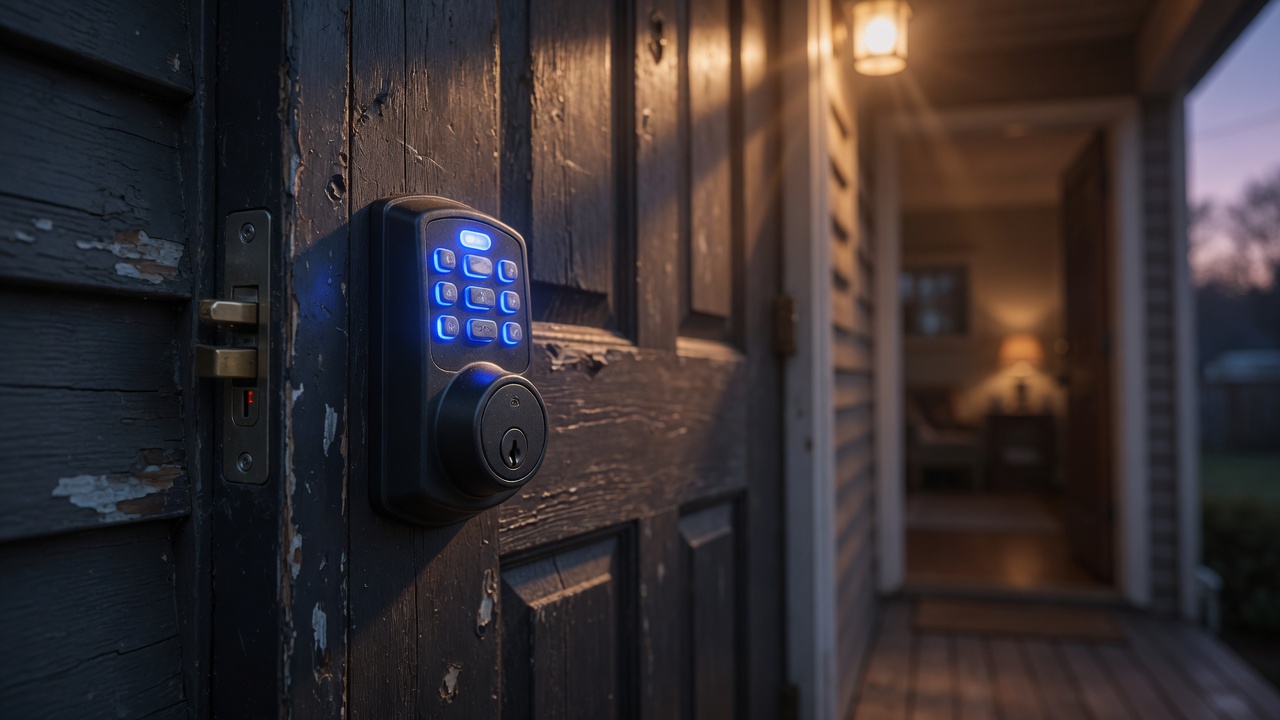
My nightly routine, lights off, thermostat to Eco, deadbolt locked, is a pretty standard multi-step scene. After enabling Gemini for Home, the lights would turn off every time. The lock and thermostat steps? Hit or miss, with no error message telling me why. This lines up with what’s now a documented pattern of Gemini upgrades breaking automations for other users, not just me [2].
A few other things I’d flag if you’re about to enroll:
- Geo-based “Home & Away” triggers that used to fire reliably became inconsistent, requiring a rebuild in the new automation editor.
- Camera voice announcements on my display went quiet even though push notifications kept arriving fine.
- Broadcast commands that used specific Assistant-era phrasing sometimes weren’t recognized the same way under Gemini.
None of this is catastrophic. But if you rely on your smart home to actually do things while you’re not watching, “sometimes it works” is a real downgrade from “it always works.”
 From the shopIt Worked Before the UPDATE$18.45Shop →
Why This Happens: LLMs Aren’t Rule Engines
The core issue isn’t a bug you can patch away. It’s architectural. Assistant-based automations run on deterministic rules: if this trigger fires, do this exact action, every time. Gemini reasons about context and intent, which is what makes it capable of handling a request like “get the living room ready for movie night” without you scripting every step. But that same reasoning layer introduces variability that a rule engine never had.
Independent testing backs this up. Tweakers’ ecosystem comparison found Google Home’s Gemini-powered automations misfired noticeably more often than Apple’s HomeKit stack [8]. That’s not a knock on Gemini’s ambition, it’s just what happens when you swap deterministic logic for probabilistic reasoning in a system people expect to behave the same way every single time.
Is that trade-off worth it? For convenience features, sure. For anything involving your front door lock, I’m a lot less comfortable.
What I’m Still Keeping on Assistant (and Why)
After running both systems side by side, I’ve settled into a pretty clear split, and it mirrors what other serious testers in this space have landed on too.
Security-critical automations, locks, alarms, presence-based triggers, stay on deterministic logic. Convenience automations, the stuff where an occasional miss just means you have to say it again, are fair game for Gemini. This isn’t me being overly cautious for the sake of a headline. It’s the same conclusion independent reviewers keep reaching once they actually put Gemini through real household use rather than a keynote demo [8].
Here’s my current breakdown:
- Locks and security sensors: rule-based, no exceptions.
- Thermostat scheduling tied to presence: rule-based, because a missed Eco-mode trigger costs you money and a missed “someone’s home” trigger costs you peace of mind.
- Lighting scenes and mood-based automations: fine on Gemini, low stakes if it misfires.
- Voice-driven, ad hoc requests (“dim the lights, it’s movie night”): this is where Gemini genuinely shines.
If you’ve already built a Home Assistant or Hubitat setup for the serious stuff, keep it there. Gemini can sit on top as a nicer front end without touching your critical logic.
The Migration Problems Nobody Warns You About
One thing that caught me off guard: if you share your home with family members on separate accounts, they may lose visibility into automations that Gemini generates or modifies. In my testing, only the primary account holder retained full edit access to some of the newer Gemini-touched routines. If your household runs shared routines like “start the coffee maker” or “open the office blinds” from multiple phones, check this before you assume everyone’s experience will match yours.
Google has published support documentation covering what’s changing in the app and what to expect from the new assistant [9][7], and I’d genuinely recommend reading through it before enrolling, not after something breaks. It won’t cover every edge case (support docs rarely do), but it’ll save you from a few of the more common surprises.
The other practical step: audit your existing routines before you enroll, not after. Write down what each automation is supposed to do, step by step. When something breaks silently, and something probably will, you’ll actually know what “normal” looked like instead of guessing.
Is Gemini for Home Ready to Be Your Daily Driver
Not yet, and Google seems to know it. The rollout itself has been staged and cautious rather than an aggressive full replacement of Assistant [5][10], which tells you the company isn’t fully confident in matching Assistant’s reliability across every automation type. That’s a reasonable posture for them to take. It should also be a reasonable posture for you.
Gemini for Home is a legitimately better experience for open-ended requests and natural conversation with your smart home. It’s a worse choice, right now, for anything where “it didn’t happen” is a real problem rather than a minor inconvenience. That’s not a knock on the technology’s potential. It’s just where things stand today, based on actual use rather than a launch announcement.
Frequently Asked Questions
Does enabling Gemini for Home break my existing Google Home automations?
It doesn’t break device compatibility, but it can cause specific routines, especially multi-step scenes and geo-based triggers, to behave inconsistently or skip steps entirely, based on both my testing and documented reports from other users [2].
Can I use Gemini for Home and Google Assistant at the same time?
Yes. Nest speakers and displays currently still default to Assistant for on-device voice, while Gemini’s more advanced capabilities run primarily through the app and web interface [5].
Should I move my smart lock and alarm automations to Gemini for Home?
I wouldn’t, at least not yet. Independent testing shows higher automation misfire rates on Gemini-driven systems compared to deterministic alternatives [8], which matters a lot more for a deadbolt than it does for a light scene.
When will Gemini for Home fully replace Google Assistant?
There’s no fixed date. Google has rolled it out in stages by region and device type [5][10], and its own product leadership has framed reliability as something still being proven rather than already achieved.
Where This Leaves You
If you’re curious about Gemini for Home, go ahead and enroll, but do it deliberately. Document your current routines first, keep your security automations on rule-based logic, and expect to spend an evening or two rebuilding a scene or two that quietly stopped working. That’s the honest state of Gemini for Home right now: promising, occasionally frustrating, and not yet ready to run your whole house unsupervised. Keep testing it in low-stakes corners of your setup, and give it another few months before you trust it with anything that locks a door.

Sources
- Google launches Gemini for Home: New, more powerful AI assistant (blog.google)
- Gemini for Home upgrade reportedly breaks automations for some (9to5google.com)
- A new Google Home app, redesigned for Gemini (blog.google)
- This is Gemini for Home and the redesigned Home app (9to5google.com)
- When is Gemini for Home rolling out: Schedule, countries [Updated] (9to5google.com)
- Get started with Gemini for Home features – Google Nest Help (support.google.com)
- Learn about Gemini for Home voice assistant – Google Home and Nest Help (support.google.com)
- Grondige en onafhankelijke smarthome-reviews – Tweakers (tweakers.net)
- What’s new in Google Home (support.google.com)
- Google launches Gemini for Home for smart home products (blog.google)
Researched from 13 vetted sources · average source authority DR 87