Some links below are affiliate links. If you buy through one, this site earns a commission at no extra cost to you. It never changes a verdict — here is how that works.
Uperfect Delta Max: uperfectmonitor.com (affiliate link)
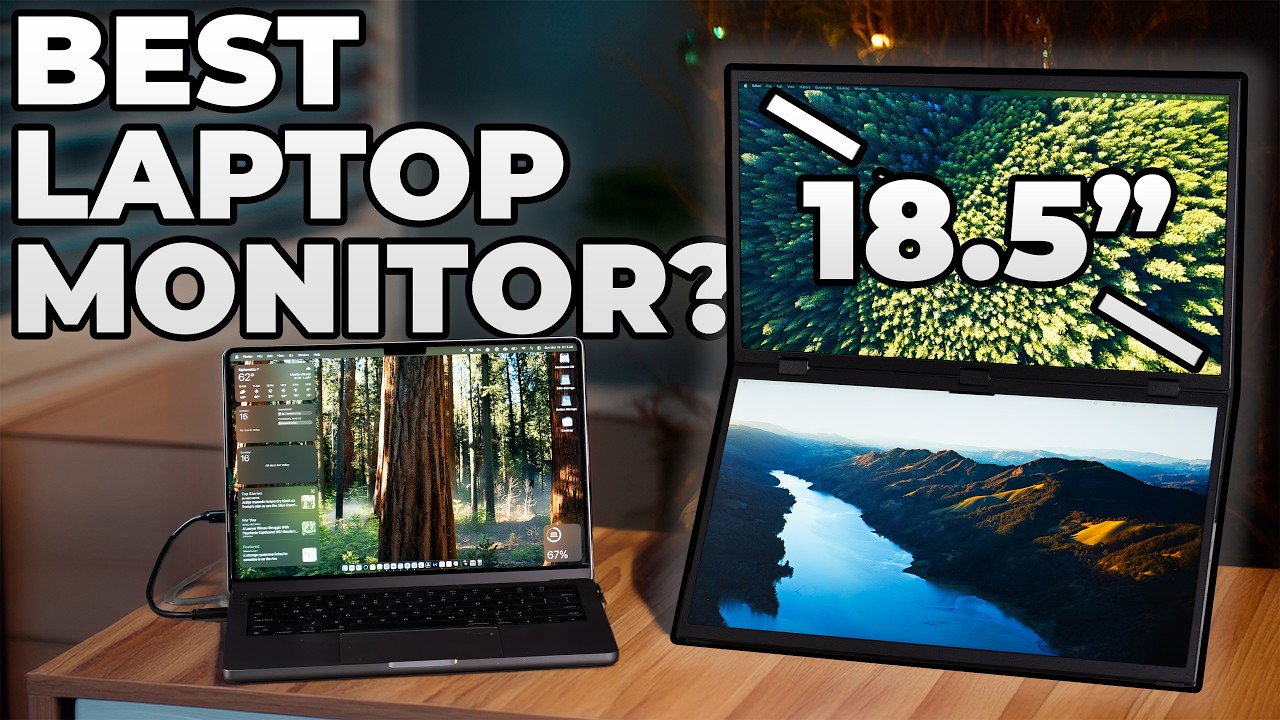
It’s pretty wild to have two 18½-inch displays this portable. Unfortunately, there’s one major drawback we need to talk about. This is the Uperfect Delta Max: two stacked 18½-inch screens you can take on the road.
| Spec | Uperfect Delta Max (non-touch) |
|---|---|
| Displays | Two 18.5-inch IPS, 1920×1080 each |
| Refresh rate | 120 Hz (100 Hz on the touch version) |
| Brightness / contrast | 300 nits, 1000:1 |
| Color | 100% sRGB, 8-bit, HDR (no FreeSync) |
| Viewing angle | 178° |
| Build | Aluminum, 5.21 lb, 20 mm thin |
| Inputs | 2× full-feature USB-C, 1× USB-C power, 2× mini HDMI |
| Speakers | Two 1 W |
| Mount | VESA 75×75 |
| In the box | 2 USB-C cables, 2 mini-HDMI to HDMI cables, power adapter |
Gear Mentioned in This Post
- MacBook ProView on Amazon
What I liked
A gigantic amount of screen space. I always want as much screen real estate as I can get. Even on a 16-inch laptop it’s never enough. Extending spreadsheets, email or anything else onto two 18½-inch displays makes life a lot easier, and you add that space without the bulk of an actual monitor: the screens fold into each other with a built-in stand, you plug in a cable and you’re going.
Multiple configurations. When I don’t need two extra screens, I sit it down like a laptop at the same height as my laptop screen and use it as one extra monitor. In a meeting without a screen on the wall, you can put it in tent mode so the people across the table see a presentation, with nobody looking over your shoulder or spinning the laptop around. In someone else’s office, that can really streamline a meeting.
Value. It was on sale for $499 when I made my video. For two 18½-inch, high-refresh displays that pair really well with my MacBook Pro, the colors and brightness are plenty good for secondary screens.
Simple, flexible connections. You can run it off a single USB-C cable. You can also connect two different sources and choose which one each screen uses in the settings: two computers, or a computer and a game console, Windows or Mac.
 From the shopFriction Is The Enemy$18.45Shop →
What I didn’t like
- It isn’t really portable. This is the big one. Two 18½-inch displays don’t fit in any of my laptop bags or backpacks, so on a trip it goes in my carry-on or checked bag. If you need something truly portable, look at a single 15 or 15½-inch screen instead. It’s still a lot smaller than carrying a real monitor, but it’s a massive setup.
- It draws a lot of power. Luckily there’s a power-only USB-C port. For long sessions, plug in there: it’s more reliable and won’t drain your laptop battery.
- Macs like an extra cable. With my MacBook, the connection was more reliable running HDMI plus USB-C. Windows laptops seemed happier on a single USB-C cable.
- 300 nits is an indoor number. It’s bright enough inside, probably not outdoors. And while the color is pretty accurate, I still do any photo or video color correction on my laptop screen.
- The speakers are weak. They’re little 1 W units, and my laptop sounds much better, so I don’t use them.
- I’d pick the touch version. A preference: you drop a little refresh rate, but since my MacBook Pro has no touchscreen, touch on these displays would add gestures I can’t do on the laptop.
My verdict
The Delta Max is a ton of screen space if you want to expand your laptop into multiple monitors. If you travel a lot, it’s probably not the right fit. Where it’s been awesome for me is around the house: when I want to let the dogs out and work from the kitchen instead of my home office, I take the laptop and still have screen space I’d normally only have at my desk.