
Some links below are affiliate links. If you buy through one, this site earns a commission at no extra cost to you. It never changes a verdict — here is how that works.
Updated November 15, 2026
Get the Plaud Note Pro: https://plaudus.sjv.io/o4ja5b or on Amazon
This one device, only the size of a credit card, completely changed the way I work. It’s the Plaud Note Pro. I reviewed it on my channel in February, and nine months later I still use it every day for work.
As a professional who has a lot of meetings, online and in person, I’ve tried plenty of products that record a meeting and hand you a transcript and some notes. It wasn’t until I used the Plaud Note Pro that one of them actually changed how I worked day to day and made me much more efficient with my time.
What it is
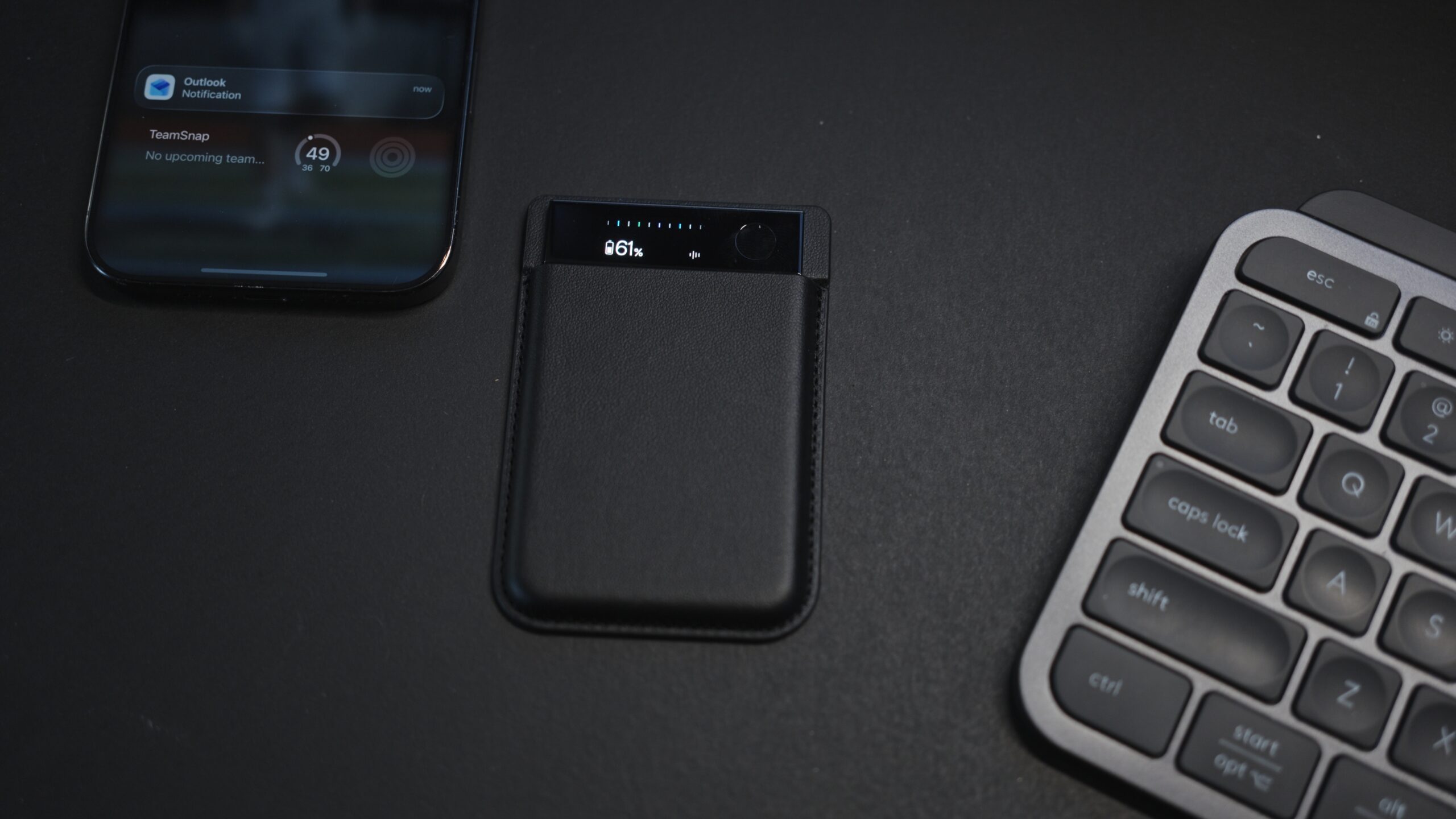
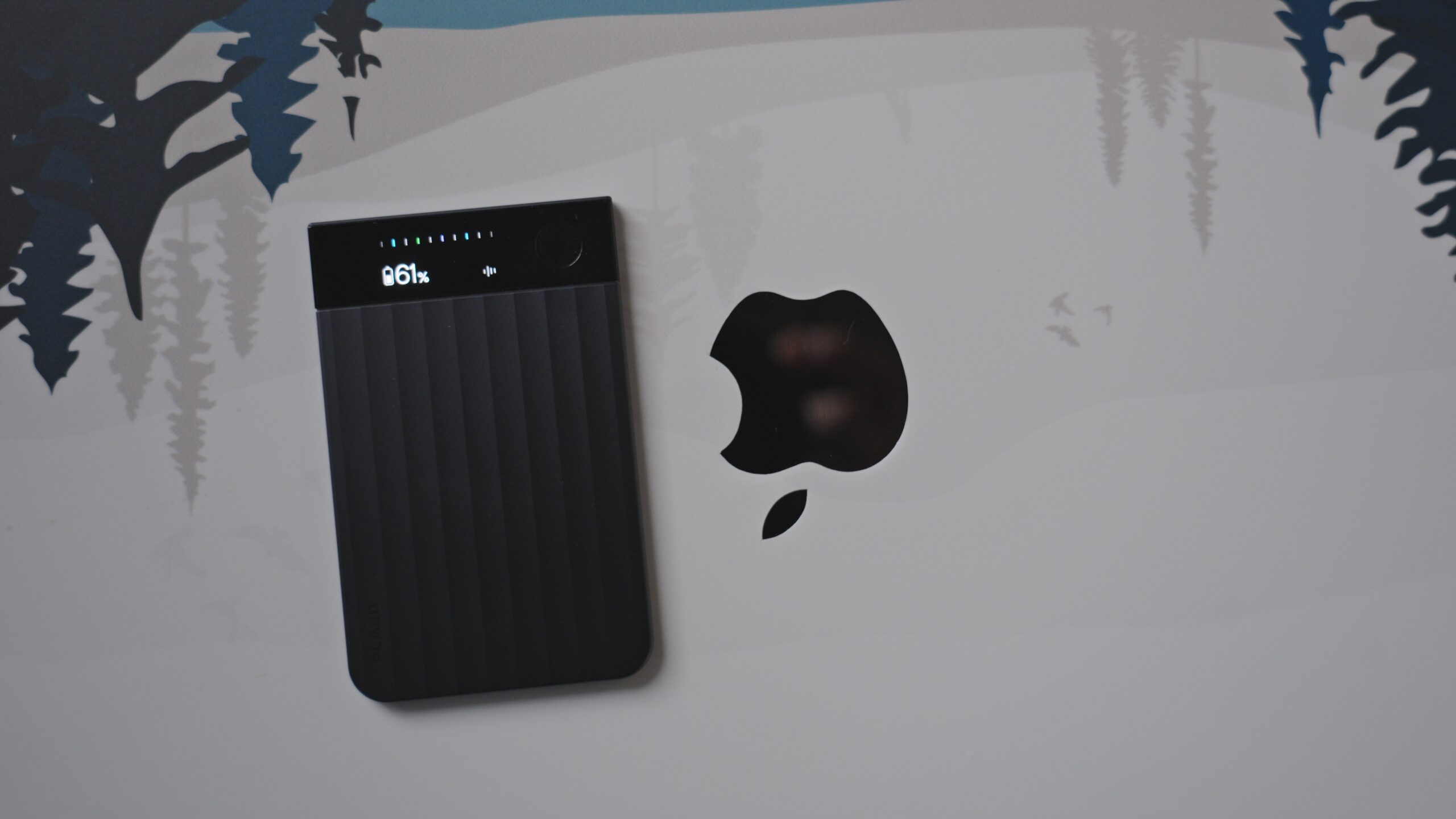
This little card is a recording device that lives on the back of your phone. In the box you get the Note Pro, a charging cable with a small four-pin magnetic connector on one end and USB-C on the other, and what looks like a MagSafe wallet, because that’s basically what it is. Put the Note Pro in the wallet and it snaps onto the back of your phone, so it’s easy to carry and ready when you need to record a call.
On the AI side, Plaud’s transcription recognizes 112 languages, with speaker labels and custom vocabulary, and it can turn a recording into summaries from more than 10,000 templates, mind maps and workflow integrations.
| Spec | Plaud Note Pro |
| Size | 3.37 × 2.13 × 0.12 in (credit card size) |
| Weight | 30 g (1.06 oz) |
| Microphones | 4 MEMS microphones + voice processing unit, up to 16.4 ft range |
| Storage | 64 GB (about 480 hours of audio) |
| Battery | 500 mAh: 30 hours of continuous recording, 60 days standby |
| Display | 0.95-inch AMOLED |
| Connectivity | Bluetooth 5.4, Wi-Fi Direct |
In person, on the phone and on Teams
I’d been struggling to find a product that does a really good job of recording meetings, not only online but also in person. Where this one is different, and where it helps my workflow most, is that it works just as well in person, on phone calls and on Teams. The online app lets me hit record as soon as I’m in a Teams meeting, and I can always just use the device itself.
It also has a sensor inside that recognizes whether you’re on a phone call or in an in-person meeting. With it on the back of your phone, it records the call through the phone, or the room if you’re in person.
Why carry a second device?
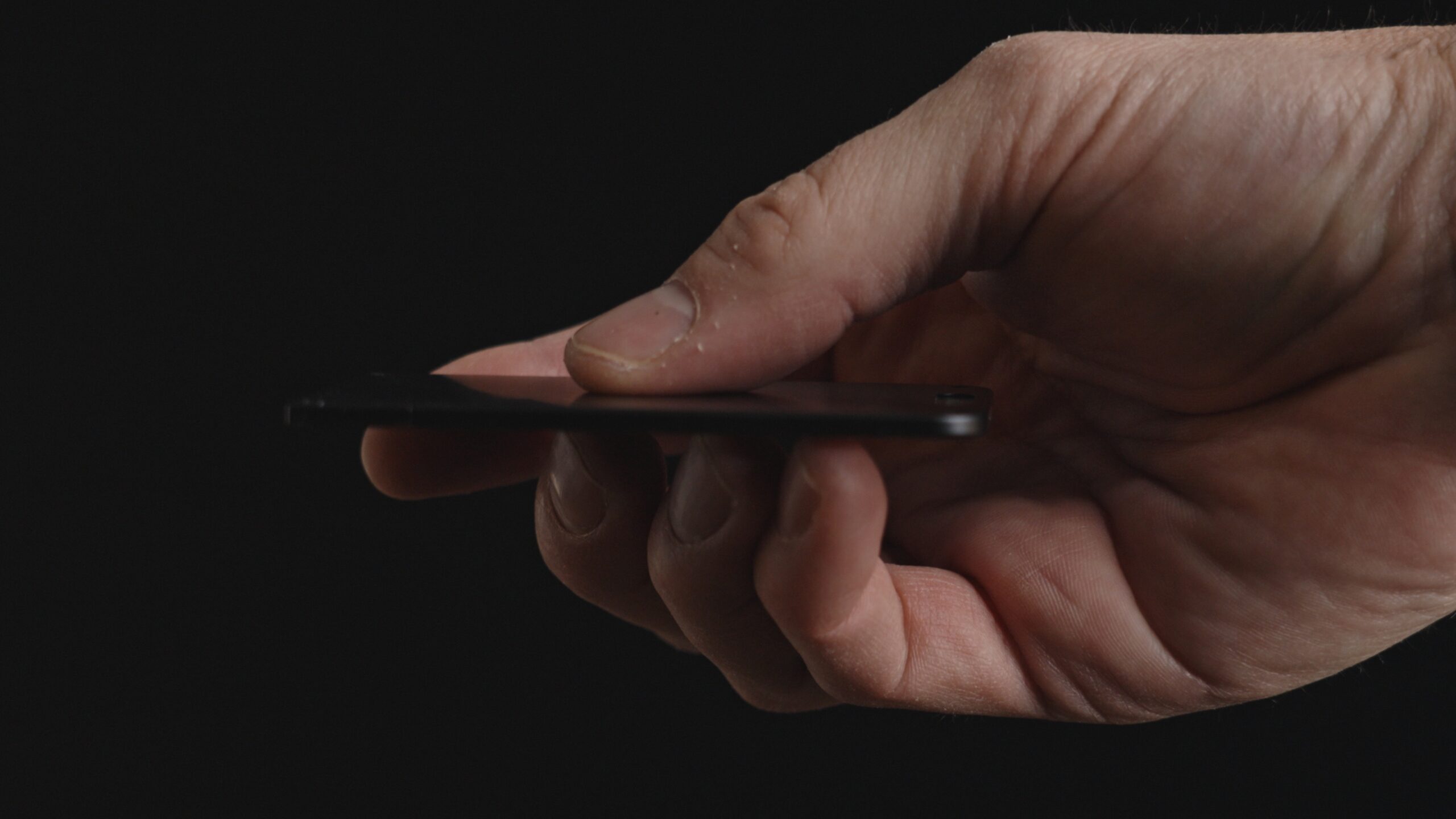
You might be asking why you need a second device when you already carry your phone. It comes down to the quality of the microphones and the voice processing unit in this card. I was amazed how much it picked up in loud environments, whether that’s a conference room inside a manufacturing facility or people who are just quiet mumblers.
In one meeting we were in a loud conference room, with another meeting next door that was really loud, and the Note Pro still picked up everyone’s voices around a large conference table. That included a customer of mine who is notorious for mumbling. I showed the AI notes to my colleague as we were leaving, and he was surprised how much it had caught, right down to the part numbers. Other recorders I’ve used couldn’t do that.
 From the shopIt Worked Before the UPDATE$18.45Shop →
The software is the other half
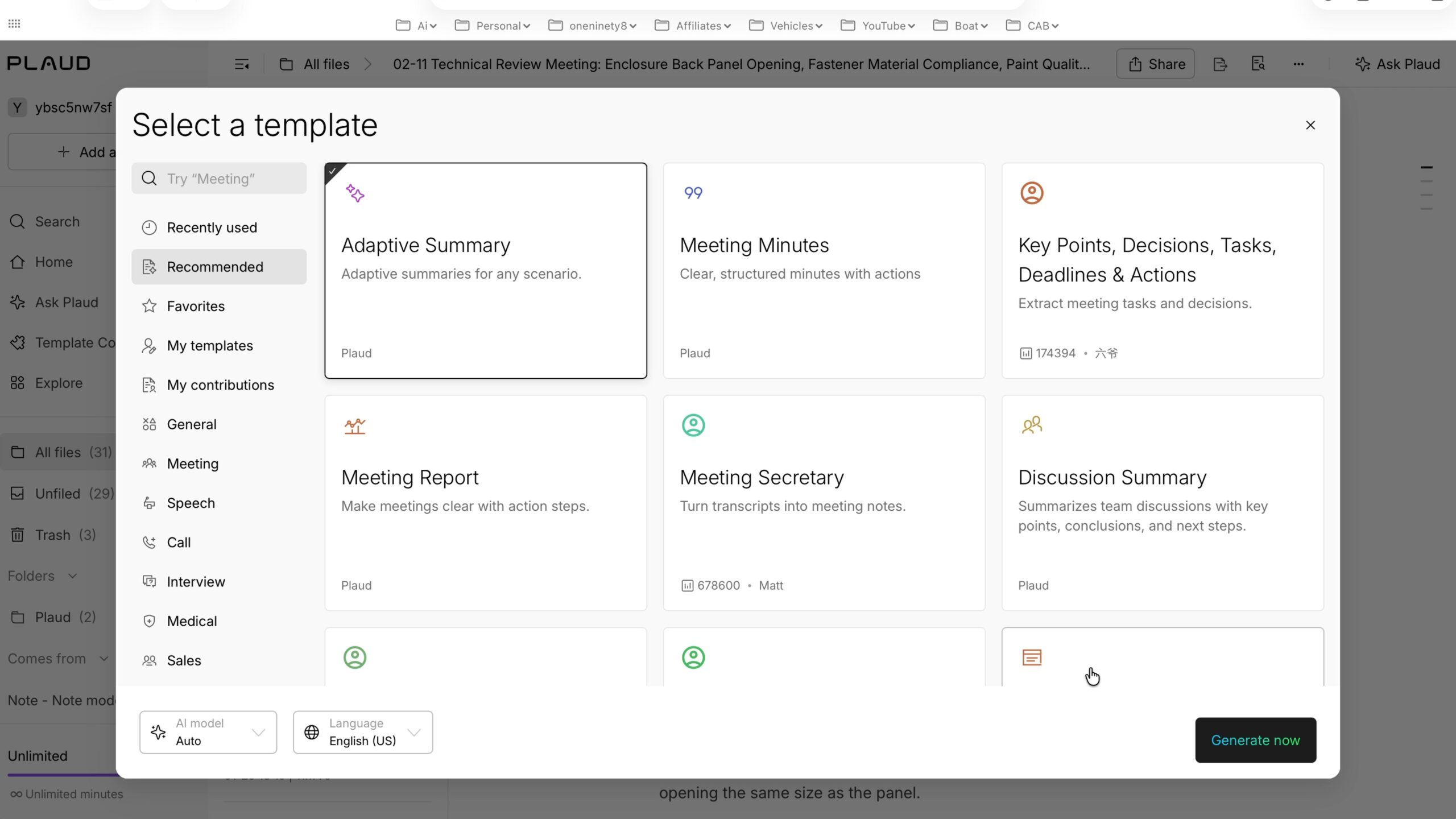
How well the device captures a meeting is only one part of the equation. The second part is Plaud’s online ecosystem, which is better than any I’ve used. There really are more than 10,000 templates you can apply to a transcript to get personalized summaries, action items, mind maps or anything else you need out of that meeting, almost instantly.
I have several groups I give meeting notes to: the executive board, my customer, and anyone else we’re following up with. Each of those groups needs the information presented differently. With Plaud, I upload a template for each and run them all against the same meeting, so I get five different outputs, one for each audience, almost instantly. I used to make so much work for myself retyping and reworking the same information over and over. Now it’s done for me, in a format that makes sense to the people I’m presenting to.
Then there’s Ask Plaud, which searches your transcript and answers questions about what was said. That’s really helpful for long meetings, even all-day ones. You can just ask, “What did they say about the budget in Q3?”
What it costs
When I made my video in February, the device was $189 and came with 300 free minutes a month. For most people, me included, that isn’t enough. I’m in meetings every day that I use it for, so I need unlimited access, and that’s where it gets more expensive:
- Free: 300 minutes a month
- Pro: 1,200 minutes a month for $99 a year
- Unlimited: $239 a year
That might sound expensive, but it isn’t much per month, and it’s saved me a lot of time transcribing meeting notes. It’s also caught the things we used to miss, because you can’t possibly write everything down during a meeting. It’s been a time-saver and a lifesaver more than once. Having this AI assistant with me for every meeting, $239 a year really isn’t much.
Compare that with typing everything out myself, or juggling several tools: recording on my phone, then pasting into ChatGPT or something else and jumping from window to window. This is a simple option. The recording goes straight to my phone, and Plaud takes care of the rest through its app and online platform. I get everything I need right away, including task lists I’d otherwise have to build myself or prompt something else to build.
It stays in the background
One more plus I didn’t think about until I’d used it in a lot of in-person meetings: it just hides in the background. When you record on your phone or another device, it’s always obvious, and some people act a little differently when they can see they’re being recorded. With the Note Pro, you press the button, it shows you it’s recording, and then it stays out of the way.
You should still tell people before any meeting that you’re going to record it so you can take notes from it later. There’s a transparency part to this. But I’ve noticed people react differently to a phone that’s visibly recording than to a small device in the background.
My verdict
This little device has drastically changed how efficient I am in meetings, and how quickly I can get information to customers and to other people in our organization. That makes it really valuable to me every day in getting my job done. Nine months on, I still use it daily.
Get the Plaud Note Pro: https://plaudus.sjv.io/o4ja5b or on Amazon