Date: January 22, 2026
Product: Aqara Smart Lock U400
Affiliate Link: Get the Aqara U400 Here
Introduction: The Holy Grail of Smart Entry
If you have been in the smart home game as long as I have, you know that the “Smart Lock” category has always come with a massive asterisk. Sure, we moved away from physical keys to keypads, then to Bluetooth auto-unlocks that worked 60% of the time, and finally to fingerprint readers that struggled in the rain. We’ve been inching toward convenience, but we haven’t quite hit perfection.
Until now.
The Aqara Smart Lock U400 isn’t just another iterative update; it is a fundamental shift in how we enter our homes. It is the first consumer smart lock to feature Ultra-Wideband (UWB) support for Apple Home Key.
Why does this matter? Because for the first time, “hands-free” actually means hands-free. No waiting for Bluetooth to handshake. No pulling your phone out to tap an NFC reader. No drying your hands to use a fingerprint sensor. You just walk up, and the door unlocks. It feels less like technology and more like magic.
In this comprehensive technical review, we are going to tear down the specs, analyze the protocols (Matter over Thread), and determine if this $270 device is the upgrade your smart home has been waiting for.
Technical Specifications
Before we get into the real-world performance, let’s look at the raw numbers. As a technical reviewer, I know the hardware tells the story before the software ever loads.
| Feature | Specification |
| Model | Aqara Smart Lock U400 |
| Connectivity | Matter over Thread, Bluetooth 5.0 |
| Key Feature | UWB (Ultra-Wideband) for Apple Home Key |
| Unlocking Methods | UWB Hands-Free, Fingerprint, Pin Code, NFC, App, Physical Key, Voice |
| Power Source | Rechargeable Li-Ion Battery Pack (7.3V) |
| Battery Life | Rated for ~6-8 months (USB-C charging port included) |
| Weather Rating | IP65 (Dust tight and protected against water jets) |
| Dimensions | Exterior: 146 × 66 × 33 mm (Approx) |
| Supported Door Thickness | 35mm – 55mm (Standard US Deadbolt sizing) |
| Smart Ecosystems | Apple Home (Native), Google Home, Amazon Alexa, Samsung SmartThings (via Matter) |
| Aliro Support | Ready (Future-proofing standard) |
Export to Sheets
The Technology: Why UWB Changes Everything
To understand why the U400 is special, we have to get technical about UWB (Ultra-Wideband) vs. the traditional Bluetooth Low Energy (BLE) found in locks like the August or older Yale models.
The Problem with Bluetooth Auto-Unlock: Most “auto-unlock” locks rely on Bluetooth signal strength (RSSI) to guess where you are.
- Latency: Bluetooth polling is slow. You often reach the door and wait 5-10 seconds for the lock to wake up and realize you are there.
- Inaccuracy: Bluetooth passes through walls easily. This leads to “ghost unlocks” where you walk past your front door inside your house, and the lock thinks you just arrived home and unlocks the door.
The UWB Solution: Ultra-Wideband is a radio technology that acts like short-range radar. It can measure Time of Flight (ToF) and Angle of Arrival (AoA).
- Precision: The Aqara U400 knows your location down to the centimeter.
- Intent: It knows if you are walking toward the door or standing still.
- Directionality: Crucially, it can distinguish if you are on the outside or the inside of the door.
In my testing, this eliminates the security risk of accidental unlocks. The lock remains secured until you are within a specific “activation zone” on the exterior porch.
Hardware & Design Deep Dive
The Exterior Assembly
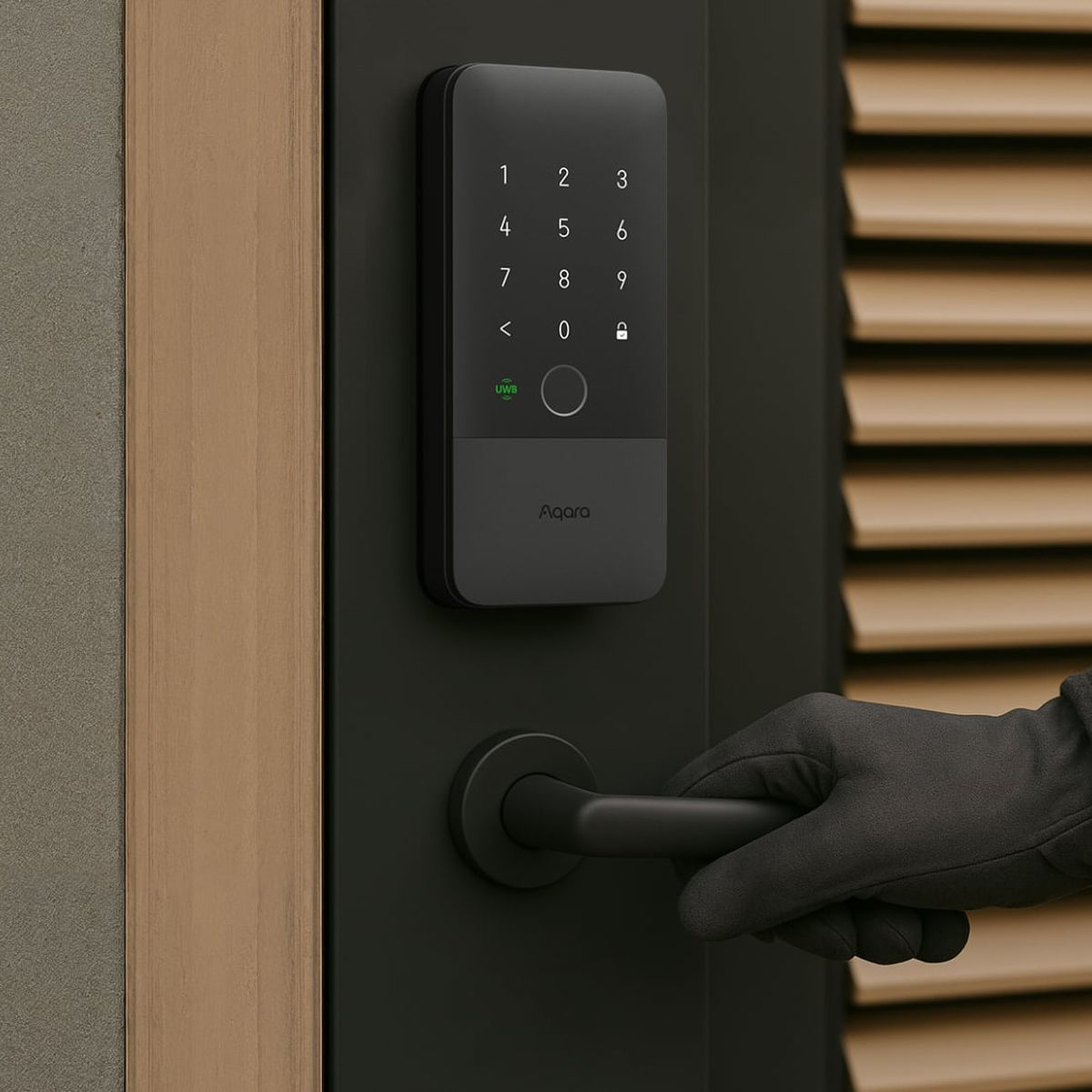
Aqara has matured its design language significantly. The U400 features a sleek, matte finish (available in Black and Silver) that resists fingerprints—ironic, considering it has a fingerprint reader.
- The Keypad: It uses a “vanishing” keypad that only lights up when approached. This keeps the aesthetic clean.
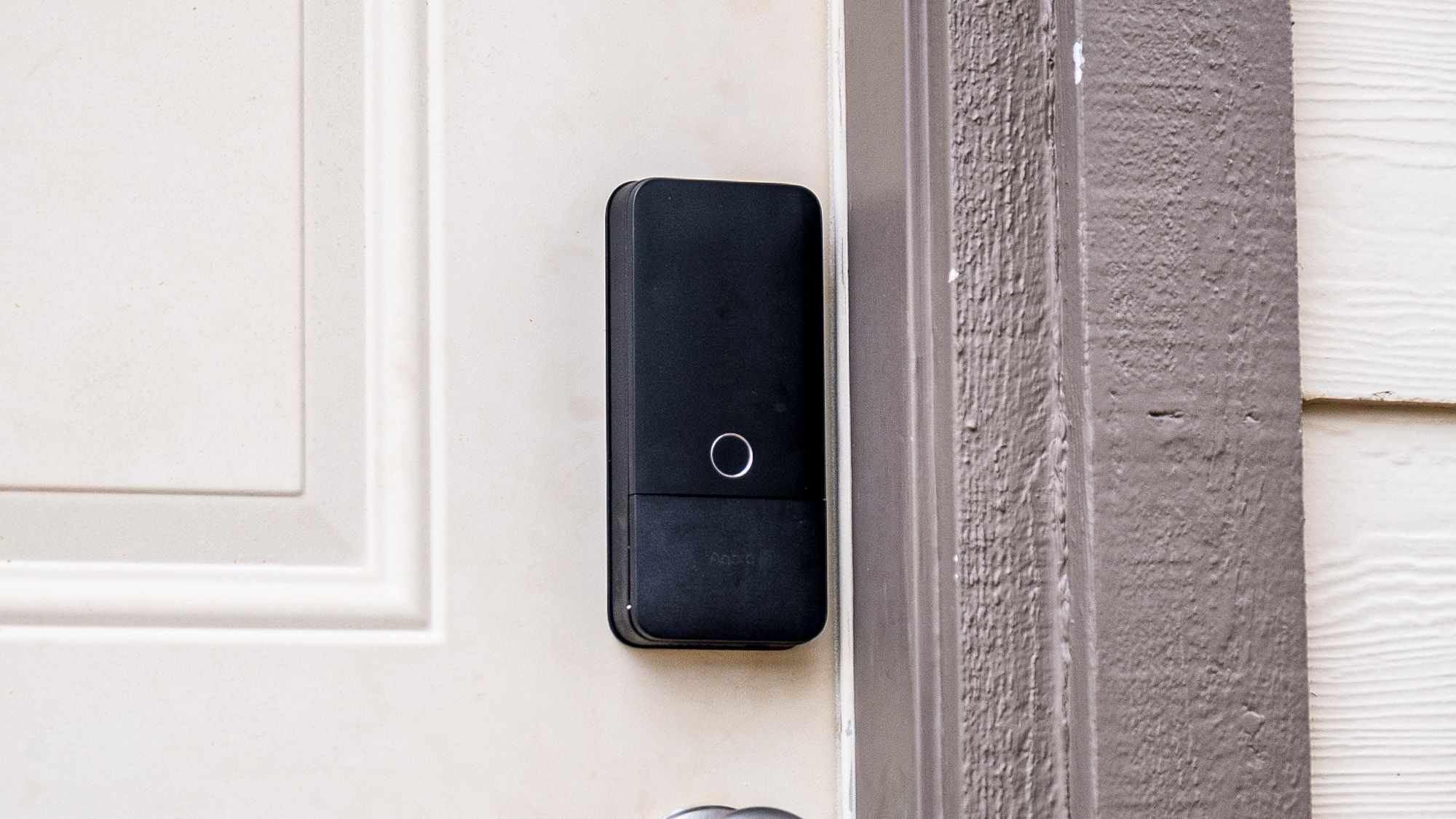
- Fingerprint Reader: Located ergonomically where your thumb naturally rests. It utilizes a 3D capacitive sensor, which is faster and more secure than optical sensors found on budget locks. It boasts a 98.6% recognition rate and learns your print better over time.
- NFC Reader: Integrated into the keypad area for those who prefer using an Aqara NFC card (sold separately) or a backup tap with an iPhone/Apple Watch.
The Interior Assembly
The inside thumb-turn unit is chunky but functional. It houses the Rechargeable Li-Ion Battery Pack.
- Power: Unlike locks that burn through AA batteries, this custom pack provides consistent voltage, which is necessary for the power-hungry UWB radio.
- Emergency Power: If the battery dies while you are outside, there is a hidden USB-C port on the exterior bottom. You can plug in a power bank to give it enough juice to authenticate and enter.
The Motor
The actuation is fast and surprisingly quiet. It’s not the “grinding” noise of older Kwikset motors; it’s a quick, decisive thwack. The lock also features a built-in gyroscope. This allows for a reliable Auto-Lock feature that detects when the door is physically closed, rather than relying on a timer that might lock the bolt while the door is still open.
Integration: Matter over Thread
The U400 is fully committed to the modern smart home stack: Matter over Thread.
What this means for you:
- Speed: Thread is a mesh network. Commands sent from your phone are nearly instantaneous because they travel over a local, low-latency mesh rather than bouncing to a cloud server and back.
- Reliability: If one Thread device in your home goes offline, the network heals itself. The U400 acts as a Thread End Device (to save battery).
- No Hub (Sort of): You do not need the proprietary Aqara Hub M2 or M3 if you have a Thread Border Router.
- Apple Users: If you have an Apple TV 4K (Ethernet model) or HomePod (Gen 2/Mini), you are ready to go.
- Google/Amazon: Nest Hub Max or Echo Show models with Thread support will also bridge this lock to your network.
Note: Without a Thread Border Router, you are limited to Bluetooth control, which severely limits range and removes remote access.
Benefits: Why You Want This
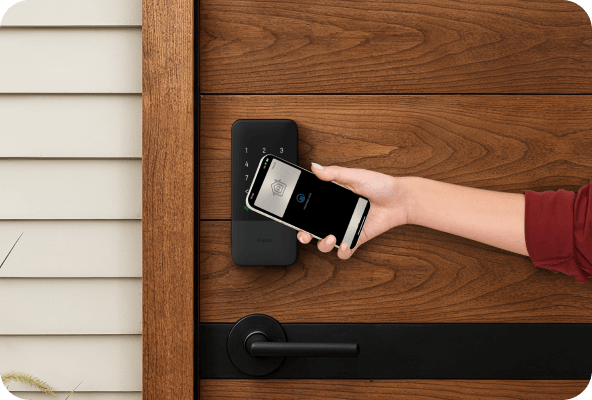
1. The “WAF” (Wife/Partner Acceptance Factor) is 10/10 This is the single biggest selling point. My spouse hates “smart” gadgets that require opening an app. With the U400, she simply walks up to the door with her Apple Watch on, and the door clicks open. It is seamless. It removes friction rather than adding it.
2. Redundancy on Redundancy Smart locks can be scary. What if the battery dies? What if WiFi is down? The U400 offers seven ways to open the door:
- UWB (Automatic)
- Fingerprint (Biometric)
- iPhone/Watch Tap (NFC Home Key)
- PIN Code (Memory)
- Physical Key (Mechanical backup)
- App (Remote)
- Voice Assistant (Siri/Alexa)
3. Native Apple Home Integration You can manage user passcodes directly inside the Apple Home app (iOS 18+). You don’t even need to open the Aqara app after the initial bind. It feels like a first-party Apple product.
4. Future Proofing with Aliro The lock supports the upcoming Aliro standard, which aims to standardize digital credentials across brands. This means your digital key won’t be locked into a proprietary garden forever.
Downsides: The Reality Check
1. The “Apple Tax” (Ecosystem Requirement) While this is a Matter lock, the marquee feature—UWB Hands-Free—is currently an Apple-exclusive feature. If you are an Android household, this is just a very expensive fingerprint lock. (Note: Samsung Wallet support is promised for Q1 2026, but never buy a product on a promise).
2. Proprietary Battery I generally prefer AA batteries for longevity and ease of replacement. The U400 uses a custom block. While rechargeable is nice, if that battery degrades in 3-4 years, you have to buy a replacement specifically from Aqara, rather than grabbing Duracells from a drawer.
3. Requires a Thread Border Router To get the most out of this lock, you need a robust Thread network. If you have a patchy WiFi network or an older Apple TV, you may experience “No Response” errors. This lock is a high-performance device that demands a high-performance network.
4. Price At ~$270, this is firmly in the premium tier. You are paying for the UWB radio. If you don’t mind tapping your finger, the Aqara U100 is significantly cheaper.
Who Would Want To Do This?
- The Apple Power User: If you wear an Apple Watch and carry an iPhone, this is the only lock you should consider. The synergy is unmatched.
- Families with Kids: Giving kids a fingerprint or a code is much safer than giving them a physical key they can lose. The notifications tell you exactly who unlocked the door and when.
- Rental/Airbnb Hosts: The ability to generate temporary codes remotely (via the Aqara app or Matter integration) makes check-in seamless.
- Accessibility Needs: For individuals with limited motor function who struggle with keys or small touchpads, the UWB auto-unlock is a massive accessibility win.
Who Would NOT Want To Do This?
- Android-Only Households: Until Samsung/Google fully implement UWB digital keys with this specific lock, you are paying a premium for a feature you cannot use.
- Renters (with strict landlords): This is a full deadbolt replacement. If you cannot remove the existing lock cylinder, you need a retrofit lock (like the SwitchBot Lock Pro or August) instead.
- Budget Shoppers: If you just want a keypad, you can find reliable options for $100. This is a luxury convenience upgrade.
Smart Home Integration Breakdown
Apple Home (HomeKit)
- Status: Gold Standard.
- Features: Manage access codes in Apple Home. Supports “Express Mode” (unlock without FaceID). UWB works natively. Automation triggers (e.g., “When Door Unlocks, Turn on Hallway Lights”) are instantaneous thanks to Thread.
Google Home
- Status: Solid.
- Features: Connects via Matter. You can lock/unlock by voice (with PIN) and see status. Automation routines are supported. No UWB support yet.
Amazon Alexa
- Status: Solid.
- Features: Standard lock/unlock voice commands. Can trigger Alexa Routines (e.g., “Alexa, goodnight” locks the door).
Home Assistant
- Status: Excellent (for tinkerers).
- Features: Using the Matter integration (beta or stable depending on your version), the lock exposes standard entities: Lock, Battery, and basic sensor data. It runs strictly locally. No cloud polling required.
FAQ
Q: Does UWB drain my iPhone battery? A: Negligible impact. Apple’s U1 and U2 chips are incredibly efficient. The protocol is designed for background operation.
Q: Can I rekey the physical cylinder to match my house key? A: Yes. The U400 uses a standard Schlage 5-pin cylinder format. A locksmith (or a handy DIYer with a rekeying kit) can match it to your existing keys, provided they are compatible.
Q: What happens if the internet goes down? A: The lock works perfectly. Fingerprints, codes, and NFC are stored locally on the device. Home Key works via the NFC/UWB chip directly without needing a server. You only lose remotenotifications and remote unlocking capabilities.
Q: Is it secure against “Relay Attacks”? A: Yes. This is the main advantage of UWB over Bluetooth. UWB uses “Time of Flight” calculations that cannot be spoofed by simply amplifying a signal. The lock knows physically how far away the phone is. If someone boosts your phone’s signal from inside your house, the lock will calculate that the “time” it took the signal to travel is too long, and it will reject the unlock attempt.
Q: Does it fit my door? A: It fits standard US doors with a backset of 2-3/8″ or 2-3/4″ (adjustable latch included). If you have a mortise lock (common in Europe or older US cities), this will not fit without major carpentry.
The Verdict
The Aqara Smart Lock U400 is the first smart lock that truly feels “smart.” By removing the physical act of unlocking—no keys, no codes, no scans, just presence—it fulfills the promise of home automation.
It is currently the undisputed king of the hill for Apple Home users. While the price is steep, the daily convenience of walking through your door with your hands full of groceries without breaking stride is worth every penny.
Rating: 4.8/5 Stars (Editor’s Choice)